PhCNC LSSE 64-bit installer (EXE)
Version 6.15.1.20951; Last release: 10.Oct.2026
64-bit Windows standalone installer (recommended) - 50.0 MBSHA-256: C4ABDA5B24DBE28678936DDEF067A61AE898C5CFF1BFECE24D904FDD0DCA7FA5

Download PhCNC LSSE v6.15.1 for 32-bit or 64-bit Windows.
For supported Windows systems, PhCNC LSSE can be installed through Microsoft Store. Evaluation Mode has no time limit; a PhCNC LSSE license is required only for production-file export.
Version 6.15.1.20951; Last release: 10.Oct.2026
64-bit Windows standalone installer (recommended) - 50.0 MBSHA-256: C4ABDA5B24DBE28678936DDEF067A61AE898C5CFF1BFECE24D904FDD0DCA7FA5
Version 6.15.1.20951; Last release: 10.Oct.2026
ZIP archive containing the identical 64-bit installer - 22.2 MBSHA-256: 07D82F2200F906DE320D4AD71A32790E6E0270578454B2C2BCD2D8E6A1F7E487
Version 6.15.1.20951; Last release: 10.Oct.2026
32-bit Windows standalone installer - 45.0 MBSHA-256: B67CCB0C5D5DFFEB1D151413D8C2A57AA83CF58783B7AC1344280C90B7E729D7
Version 6.15.1.20951; Last release: 10.Oct.2026
ZIP archive containing the identical 32-bit installer - 20.6 MBSHA-256: 233AD851F0F9DEE7B88553D2228DC4F88848044A2F0EBCD3D1D73B50140F010F
Published 10 Oct 2026 for x86 and x64 Windows installations.
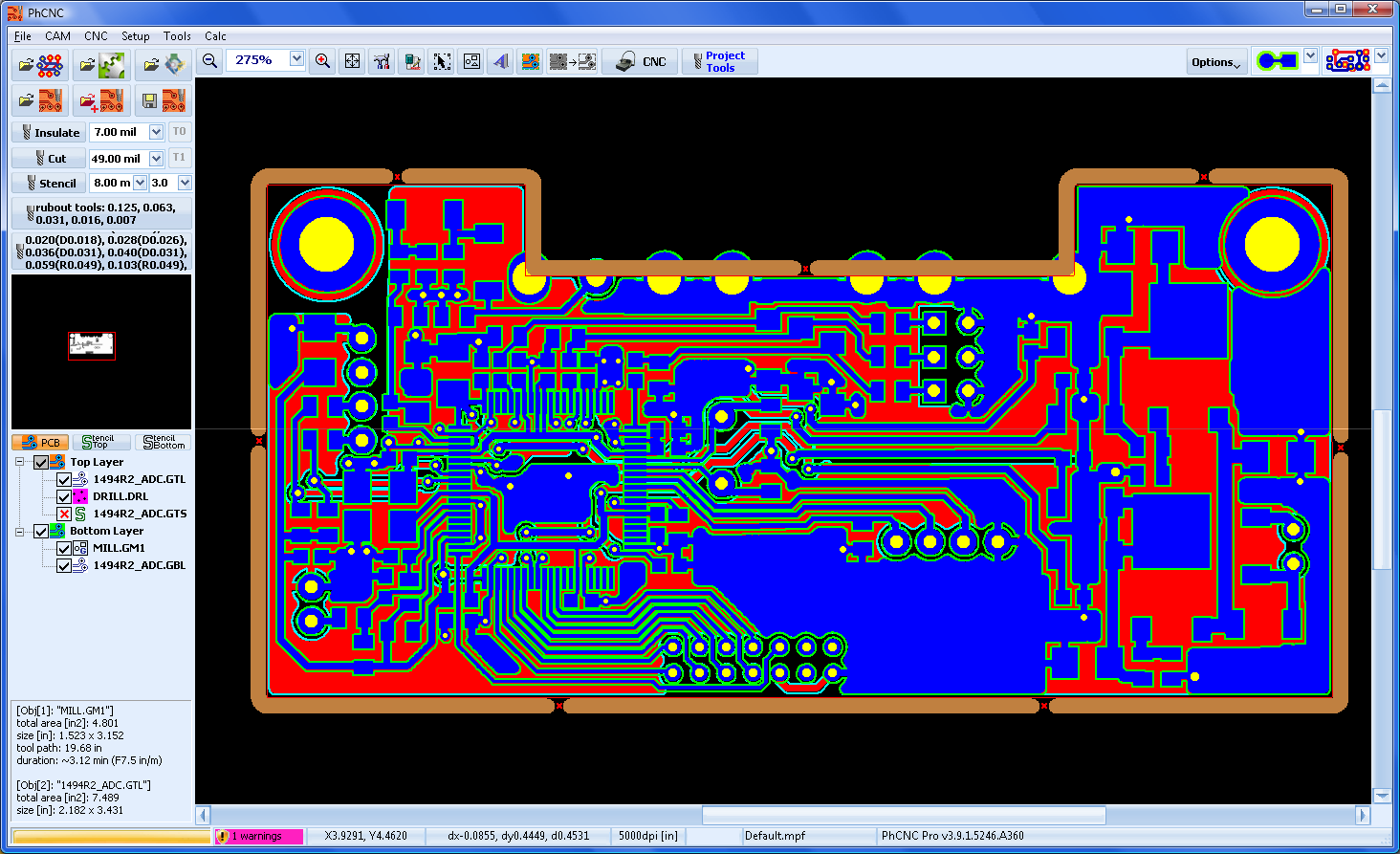
Current PhCNC LSSE CAM Edition release with Gerber, ODB++, Excellon and DXF import, PCB arrangement and panelization, machining toolpath generation, and CNC simulation.
The standalone installers and ZIP archives are immutable versioned downloads. SHA-256 values above identify the published files.
Use the x64 installer on 64-bit Windows. The x86 installer is provided for 32-bit Windows. Both are digitally signed by TELENET EOOD; verify the publisher in Windows before installation.
Run the application in Evaluation Mode to verify compatibility with your Windows system and production files.
PhCNC LSSE can be installed and evaluated without a time limit. A valid computer-bound software license is required to export G-code and other machine-output files.