Direct transfer
One-click or very-low-click export of the currently open PCB, without a normal file-browsing and import step.
Transfer the currently open PCB design from your PCB CAD directly to PhCNC / PhPNP using the CAD system's own native ODB++ exporter.
No Gerber intermediate conversion. No manual archive extraction.
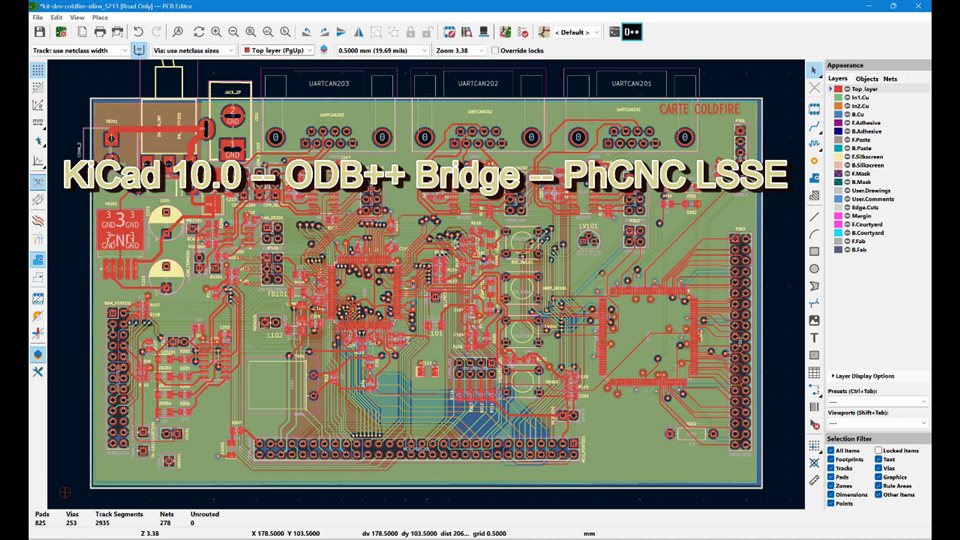
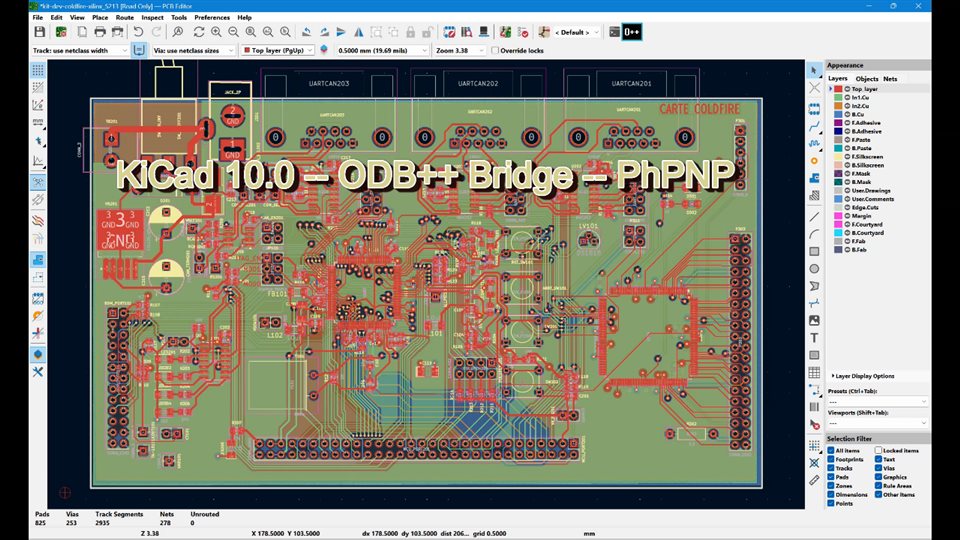
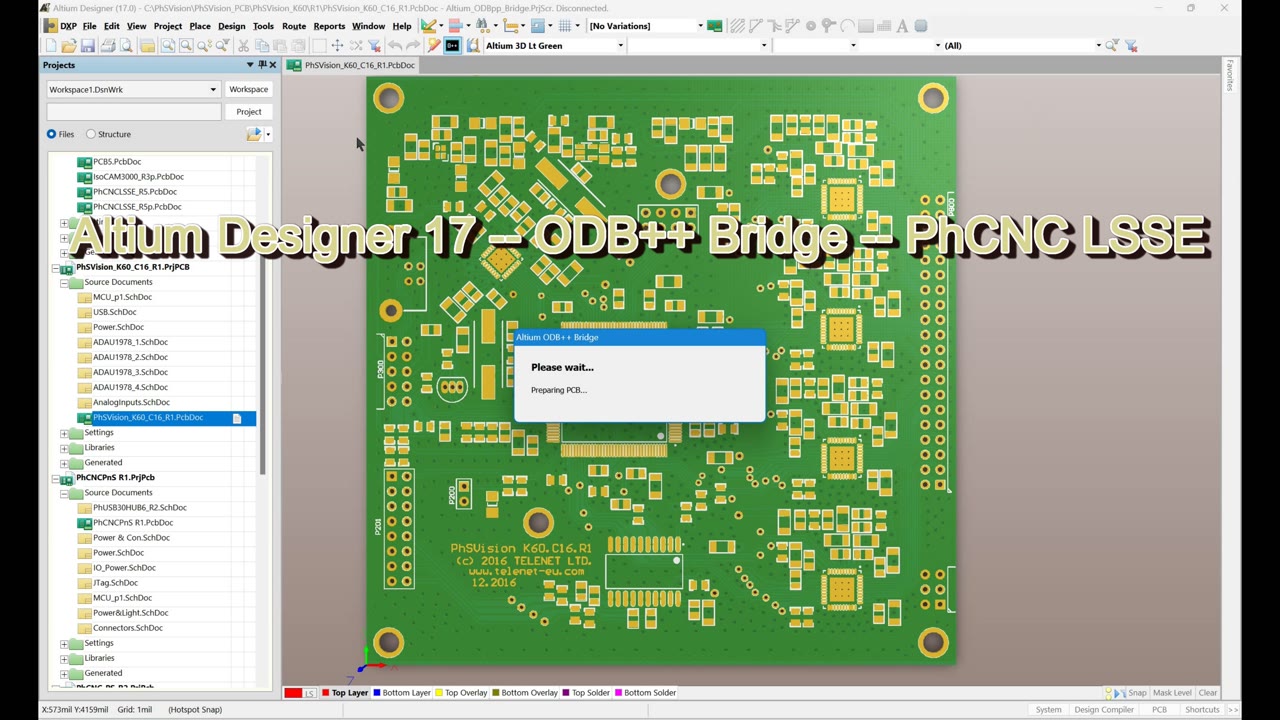
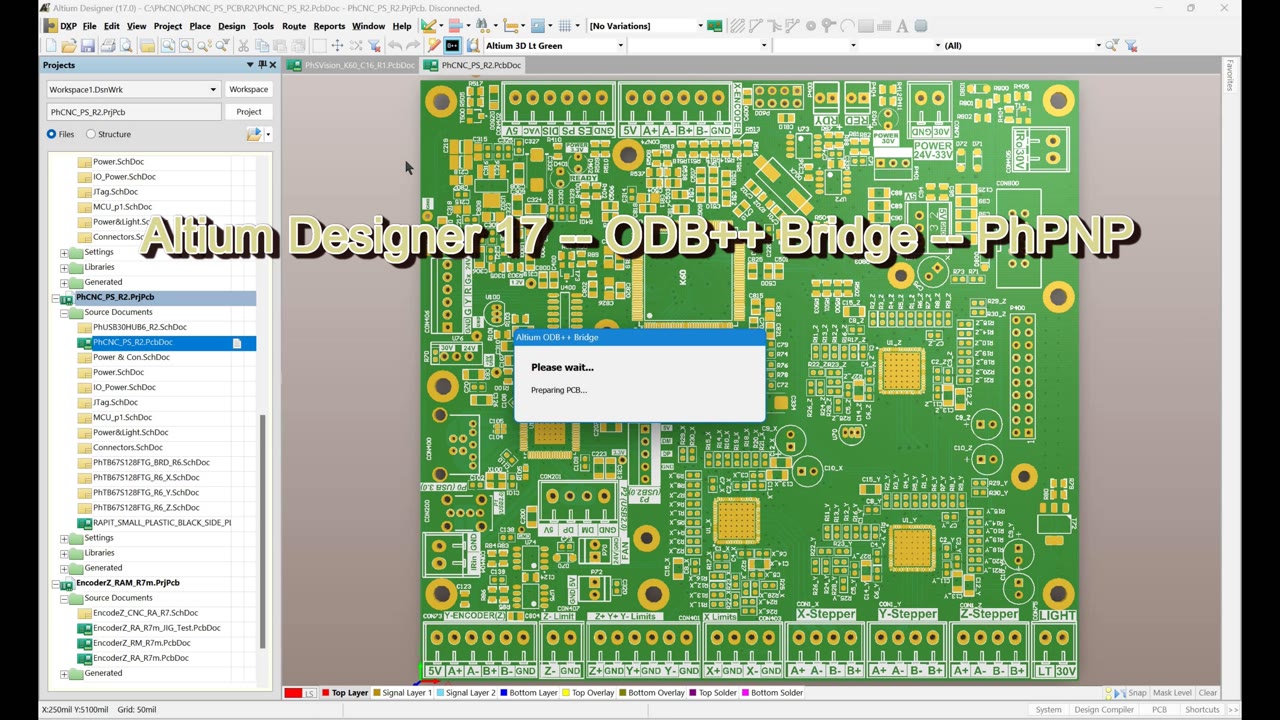
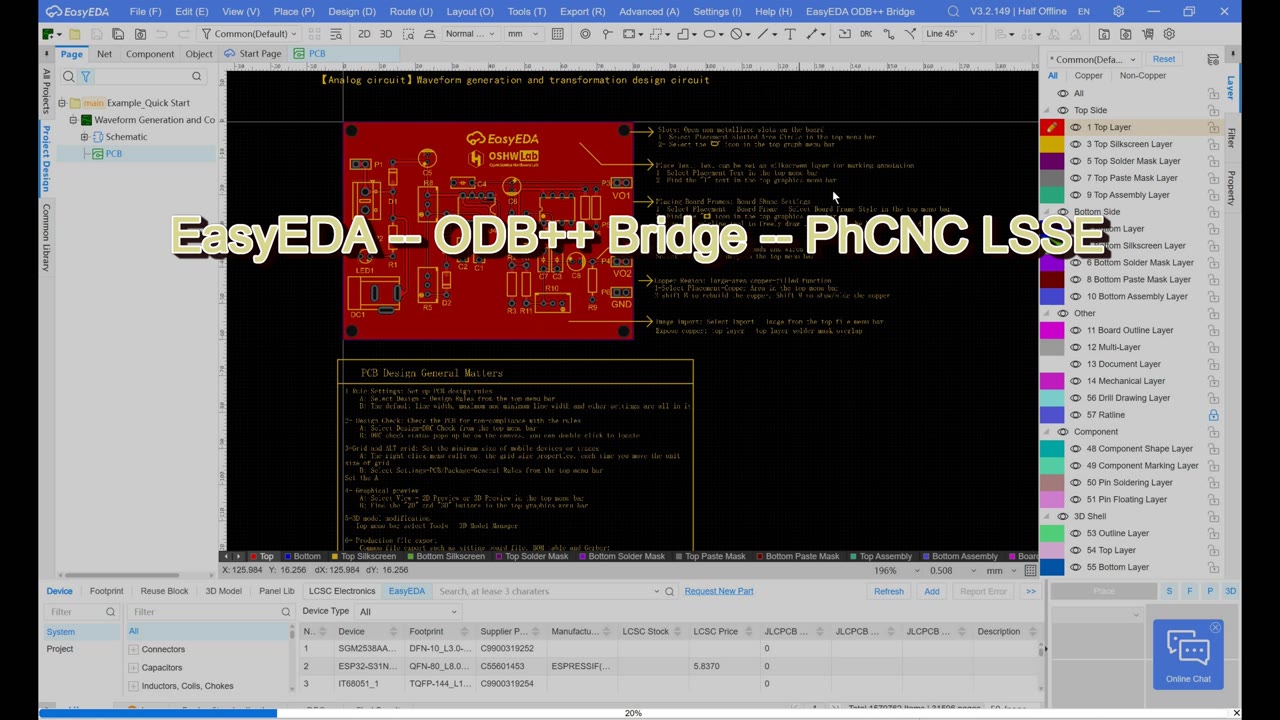
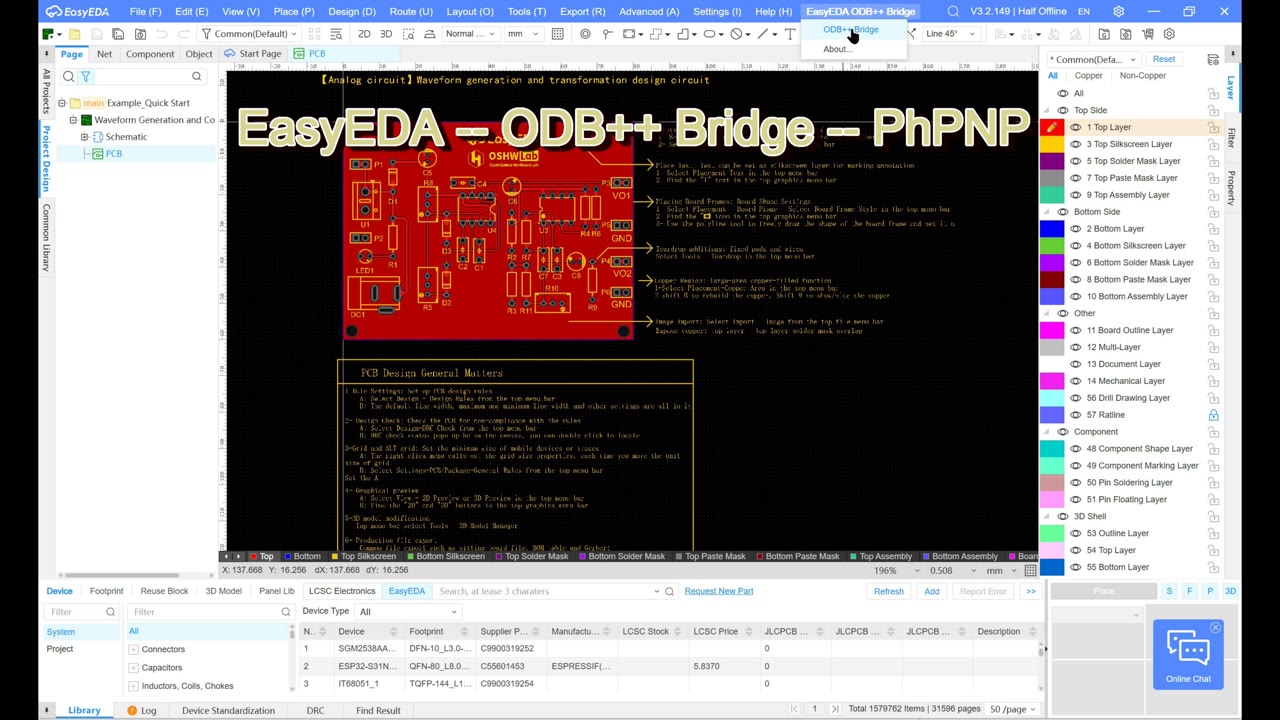
Watch all eight ODB++ Bridges transfer PCB designs into a single PhCNC LSSE project, followed by manual board arrangement and Copper View review.
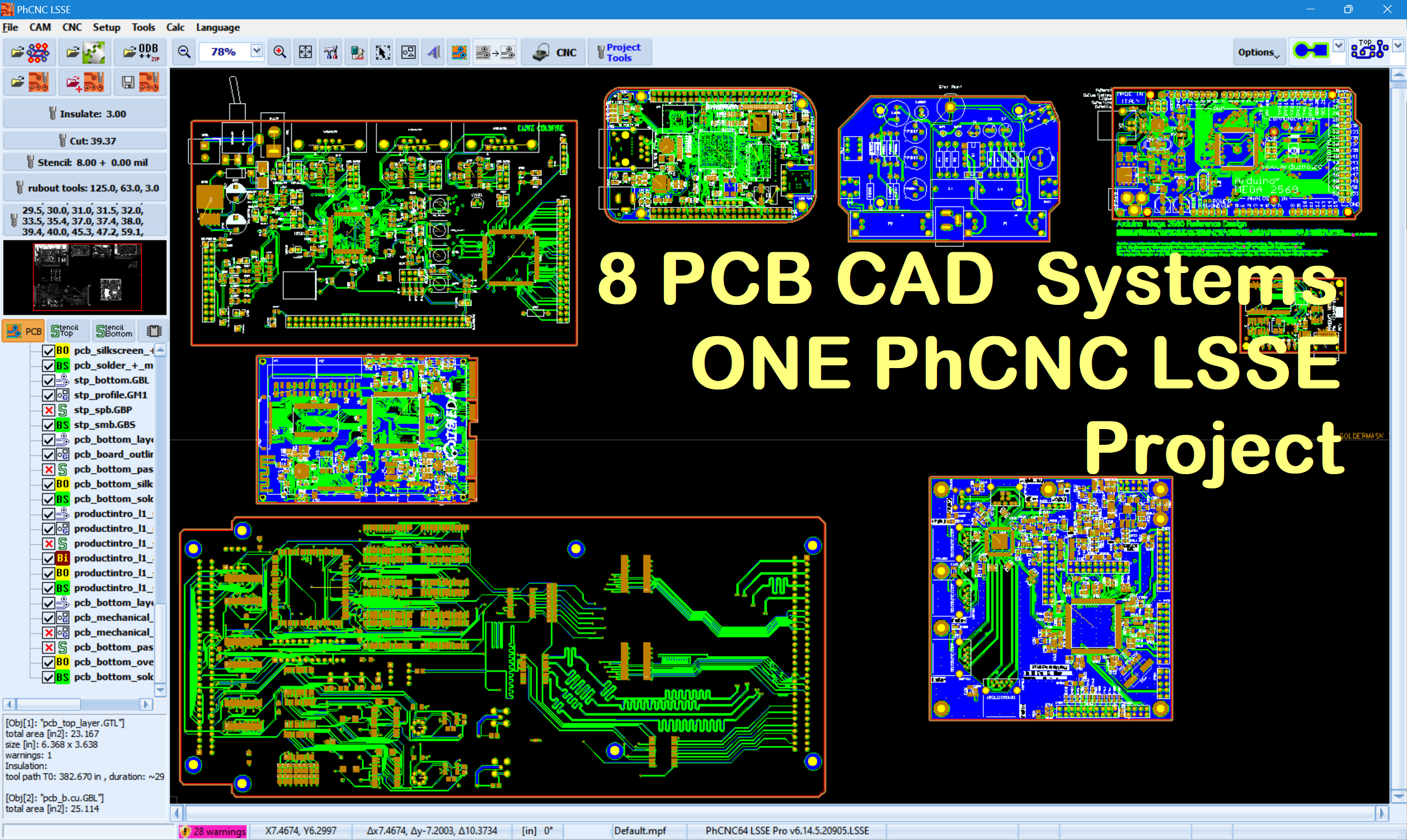 Watch all 8 Bridges – 3:40Watch demonstration
Each Bridge uses the exporter supplied by the PCB CAD vendor. TELENET handles the surrounding workflow and the handoff of the resulting ODB++ project.
| PCB CAD | Supported version | Bridge type | Installation note |
|---|---|---|---|
| KiCad | 10+ | Executable IPC plugin | Automatic; restart KiCad after install or update. |
| Altium Designer | 17+ | Toolbar integration | Automatic; close Altium for reliable install or update. |
| EasyEDA Pro Desktop | 3.2+ | Desktop extension | The prepared .eext package is imported manually. |
| OrCAD X / Allegro | 25.1+ | SKILL / Tcl integration | Requires Siemens ODB++ Inside; CAD processes must be closed for changes. |
| Autodesk Fusion Electronics | 2704.1+ | Fusion Add-In | Automatic; restart Fusion after install or update. |
| CADSTAR | 16–2025+ | Native User Tool | Close CADSTAR for setup; optional toolbar placement is manual. |
| DipTrace PCB Layout | 5.3.5.1 x64, English UI | Native Plugins command | Close PCB Layout for setup; restart to discover the plugin. |
| Siemens PADS Pro Layout | Essentials 2604 Update 1 x64, English UI | Native startup and O++ toolbar integration | Close Layout for setup; use a supported native ODB++ profile. |
These independent TELENET integrations are not presented as officially endorsed by, approved by or listed in the PCB CAD vendors' marketplaces.
ODB++ Bridge is not an ODB++ converter. The open PCB is exported by the CAD system itself, then passed to the selected PhCNC / PhPNP application.
One-click or very-low-click export of the currently open PCB, without a normal file-browsing and import step.
Layers, components, nets, drill and PnP information come from the native CAD exporter. Available data depends on the design and native export settings.
The generated project is submitted to PhCNC / PhPNP without manually extracting an ODB++ archive.
If a target cannot be launched, the generated ODB++ output remains available with clipboard fallback. CADSTAR, DipTrace and PADS Pro pass job folders; the other Bridges use archives.
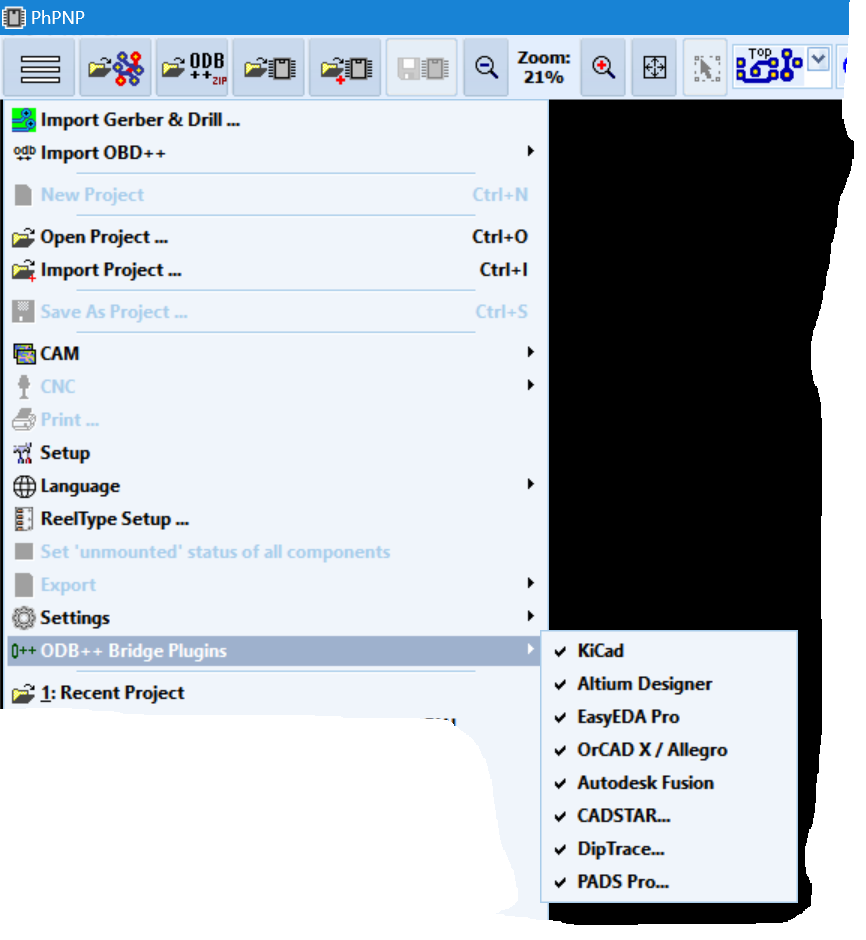
Bridge management: PhCNC / PhPNP detects supported installed PCB CAD systems and provides an ODB++ Bridge Plugins interface for enabling, installing and updating integrations.
The Bridge is registered as an executable IPC plugin and adds an O++ button to PCB Editor. It works with the current board, saves as needed and uses kicad-cli for native ODB++ export.
If the KiCad API is disabled, PhCNC / PhPNP can enable it automatically while KiCad is closed. KiCad must have run at least once so its configuration exists. If the target is unavailable, the generated archive and clipboard path remain available.
This integration targets KiCad 10+. It is not the legacy KiCad 8 Python Action Plugin mechanism.

The Bridge adds an O++ button and supports both the legacy toolbar interface and newer ActiveBar behavior. It uses Altium's native ODB++ output and hands the generated project to PhCNC / PhPNP. PCB panel projects are supported.
Installation: close Altium Designer before Bridge installation or update. The integration backs up the user toolbar configuration before modifying it.

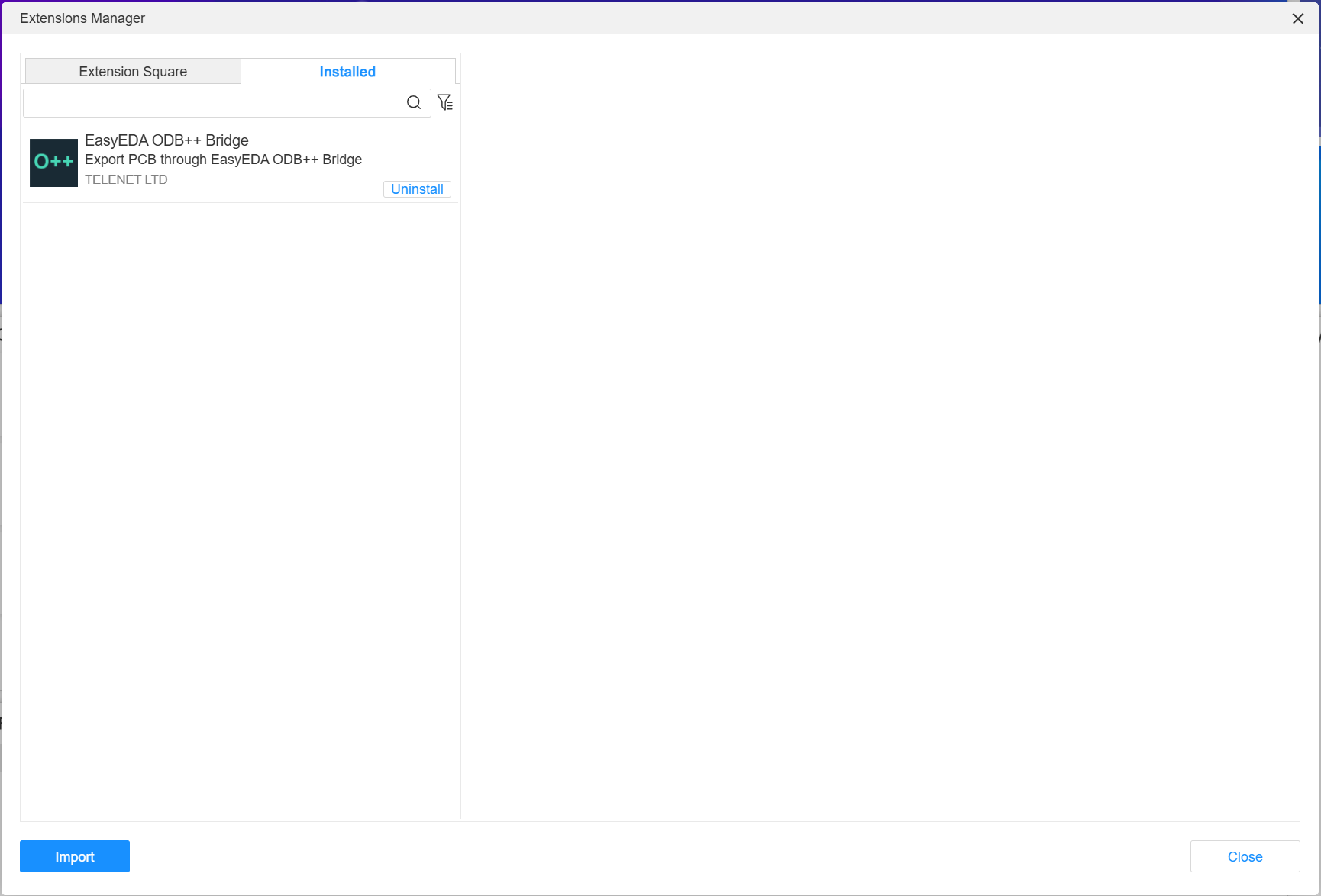
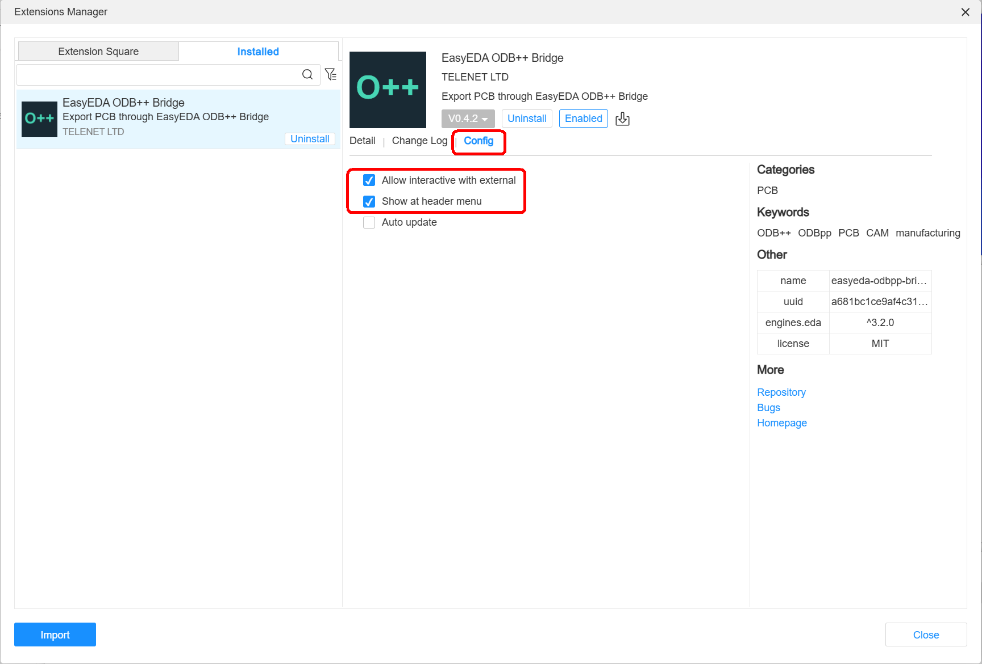
Installation uses manual .eext import and EasyEDA's normal extension security controls.
.eext package.Why the permission is needed: External interaction allows the extension to send EasyEDA's native ODB++ package to the local TELENET helper through 127.0.0.1. The Bridge does not send PCB data over the Internet.
The extension is identified as ODB++ Bridge for EasyEDA Pro and displays the license Proprietary.
EasyEDA Pro Desktop is supported. EasyEDA Standard and the browser edition are not supported. The Bridge is not currently presented as an official EasyEDA Marketplace listing.
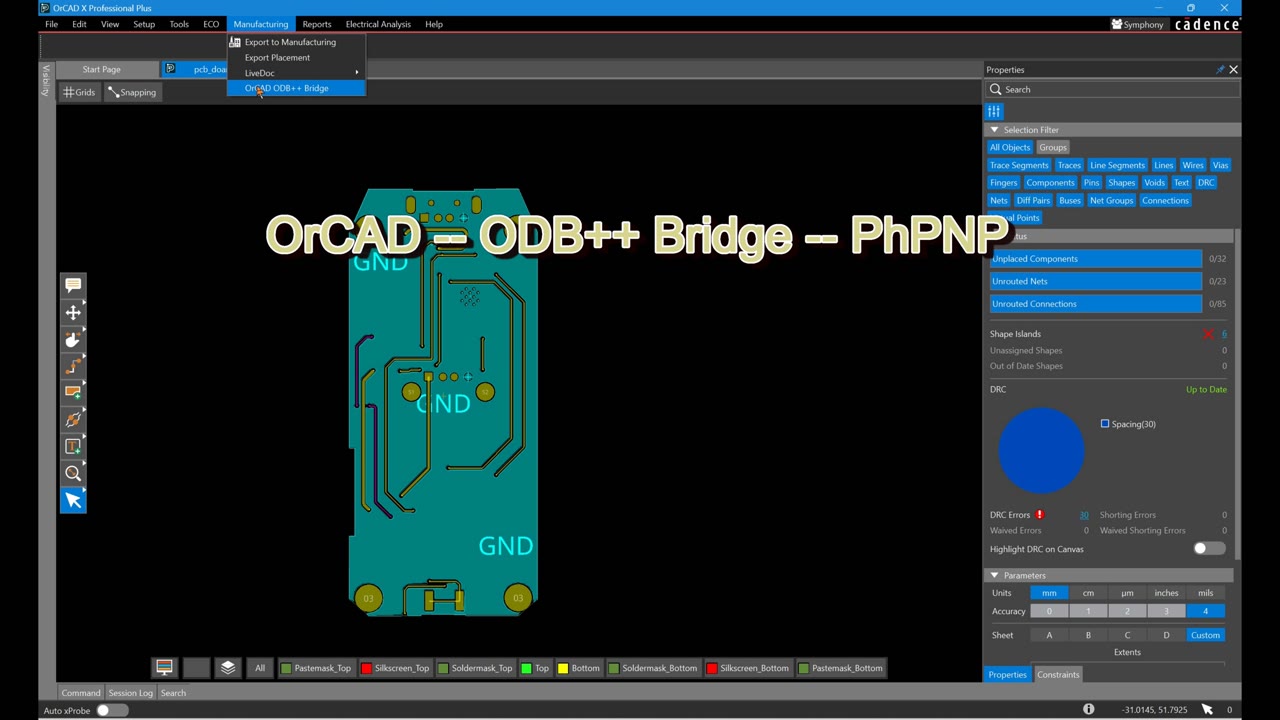
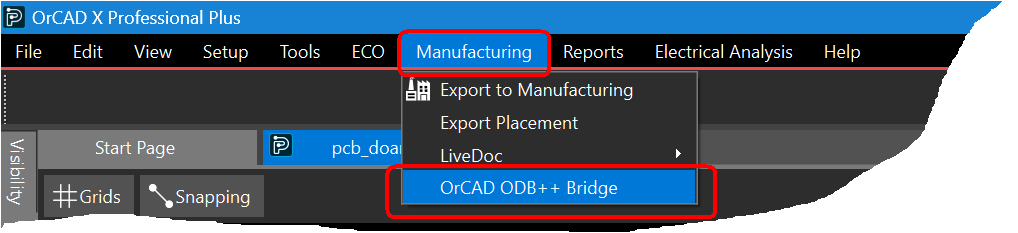
SKILL / Tcl startup integration adds OrCAD ODB++ Bridge to the Manufacturing menu. The Allegro PCB engine uses the native vendor flow supplied by Siemens ODB++ Inside for Cadence Allegro, which must already be installed.
Installation, update and removal: fully close OrCAD X / Allegro. In practice, orcadx.exe, allegro.exe and unison.exe must not be running.
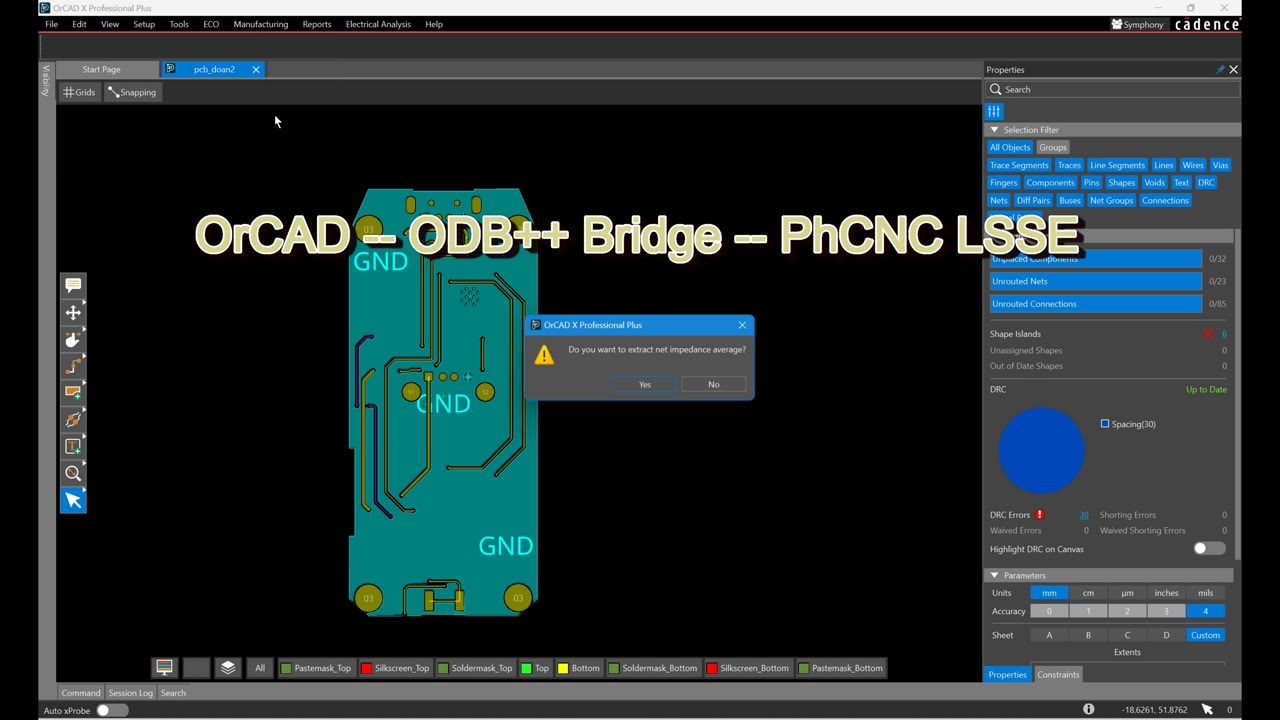
The vendor exporter asks whether to extract net impedance average. This Siemens-controlled dialog is expected; either Yes or No permits valid ODB++ generation.
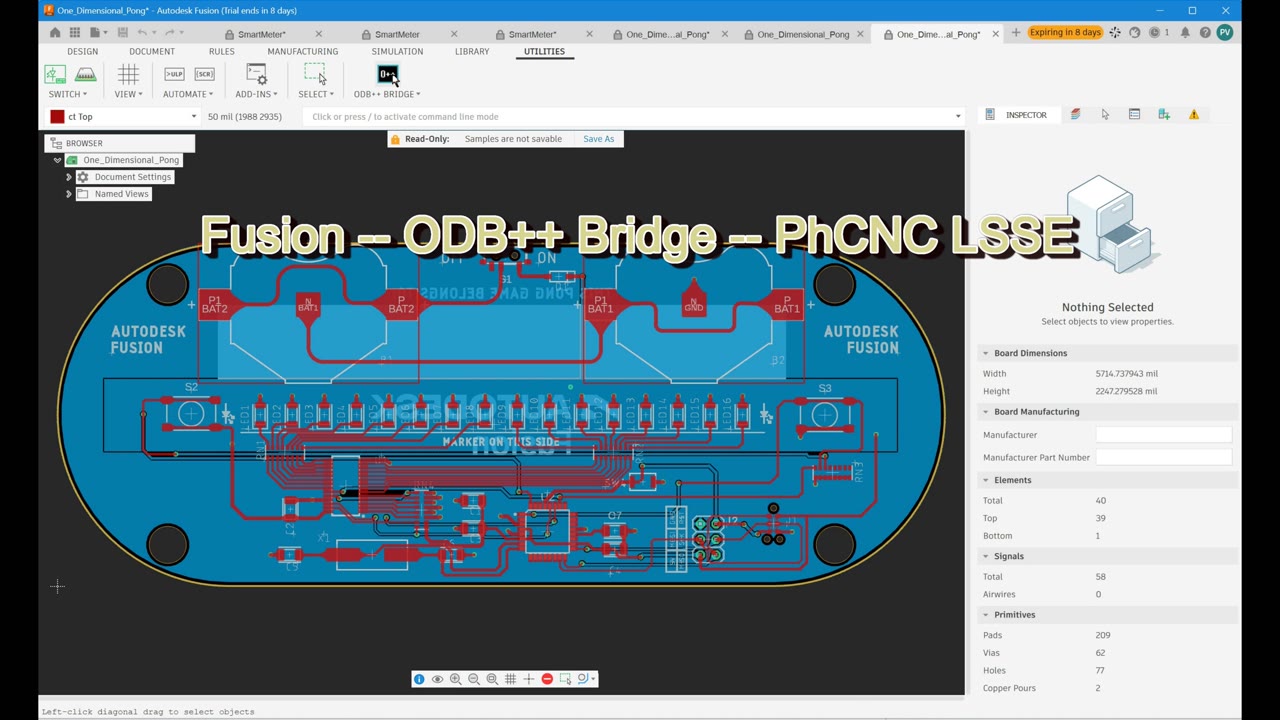
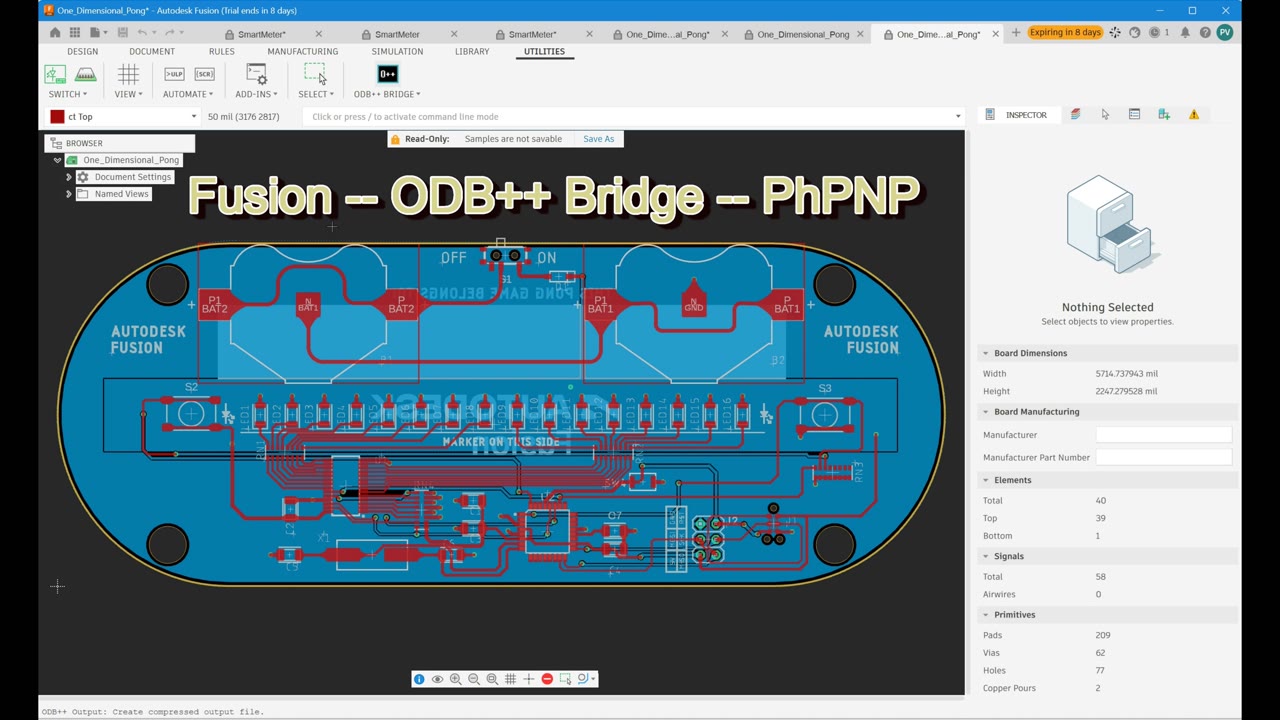
The automatically installed Fusion Add-In adds ODB++ BRIDGE to Utilities in the 2D PCB workspace. Modified writable PCBs are saved first, then Fusion's native ODB++ exporter runs silently with no manual ODB++ export dialog in the normal workflow.
The Bridge replaces its deterministic generated archive, detects export completion and hands the result to PhCNC / PhPNP. If no target is available, the archive remains available and its path is copied to the clipboard.

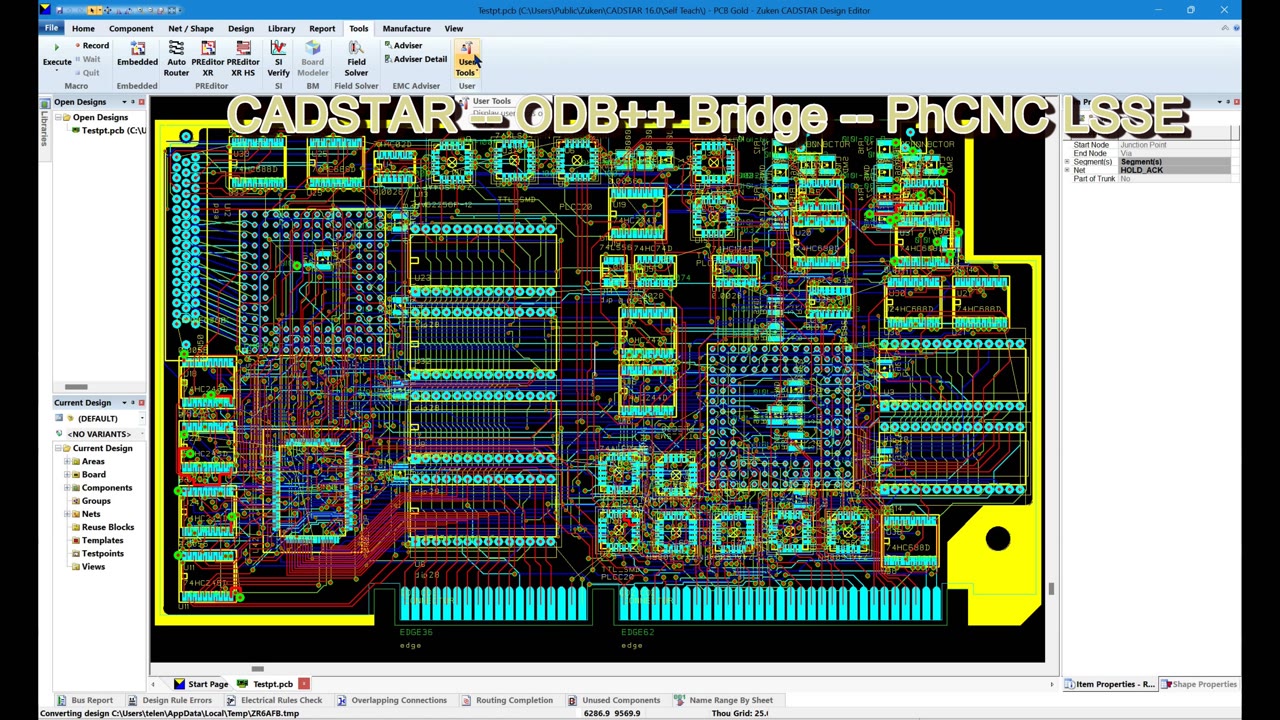
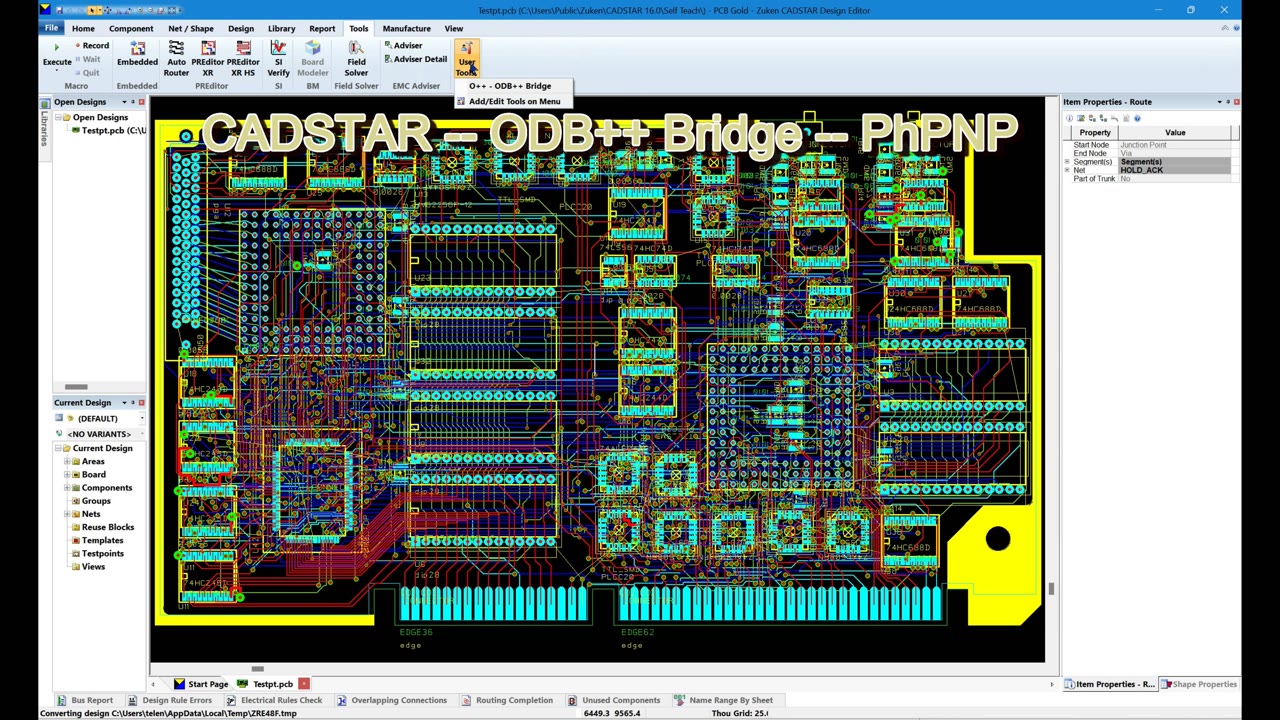
The CADSTAR ODB++ Bridge connects classic CADSTAR 16–2025+ with PhCNC and PhPNP. Use O++ - ODB++ Bridge in CADSTAR to save the active PCB design, export its native ODB++ data and transfer it to PhCNC or PhPNP.
The Bridge is included with PhCNC / PhPNP and transfers the finished ODB++ job folder directly. No manual archiving or installed 7-Zip is required.
Use one CADSTAR editor at a time and a named, writable PCB with an ASCII-only path. eCADSTAR, CR-5000 and CR-8000 are outside this integration's scope.

Use DipTrace's native ODB++ exporter to transfer the current in-memory PCB to PhCNC / PhPNP, including unsaved changes. The Bridge does not save or reload your original PCB.
Requires DipTrace PCB Layout 5.3.5.1 x64 with the English UI and a named, writable PCB. Use the native Plugins menu command; an O++ toolbar button is not supplied.
Watch the DipTrace Bridge demonstration at 0:15 in the combined video.

The Bridge runs the native Siemens ODB++ exporter on the current open PCB and transfers the checked ODB++ job folder to PhCNC / PhPNP.
Requires PADS Pro Essentials 2604 Update 1 x64 with the English UI, one Layout editor and a single PCB. PADS Standard / Legacy and Xpedition are outside this Bridge's scope. A valid native profile must include fabrication, assembly and drill data, with Placement Outline, English units and no NFP removal. Invalid profiles are not repaired automatically. No SPACE value is supplied.
O++ Session is selected automatically when Standard Top Bar is active; other selected toolbar schemes are preserved.
Watch the PADS Pro Bridge demonstration at 2:12 in the combined video.

Open a PCB in the supported CAD system, then use its O++ or ODB++ Bridge command.
The most recently started PhCNC / PhPNP product is the current target. Starting PhCNC after PhPNP selects PhCNC; starting PhPNP afterward selects PhPNP.
If the target is running, the project is submitted to it. If it is not running, the selected application starts automatically.
If the target is missing or cannot start, a successfully generated ODB++ project is not lost. It remains in the Bridge working folder and its path is placed on the Windows Clipboard for manual use. For CADSTAR, DipTrace and PADS Pro, this is an ODB++ job folder rather than an archive.
Bridge requests are processed in CAM mode. If requests arrive while PhCNC / PhPNP is in CNC mode, the latest pending request is processed when you return to CAM mode.
The Bridge is CAD-independent. The generated native ODB++ project can be used for PCB CAM in PhCNC products or assembly preparation in PhPNP.